Single-mode vs Multimode Fiber: Which Should You Install?
Choose multimode (OM4) for links inside a building or data center up to about 100–400 m, where cheaper short-reach optics keep costs down. Choose single-mode (OS2) for anything longer, for links between buildings, and for backbones you want to last through several generations of network speed.
Key points
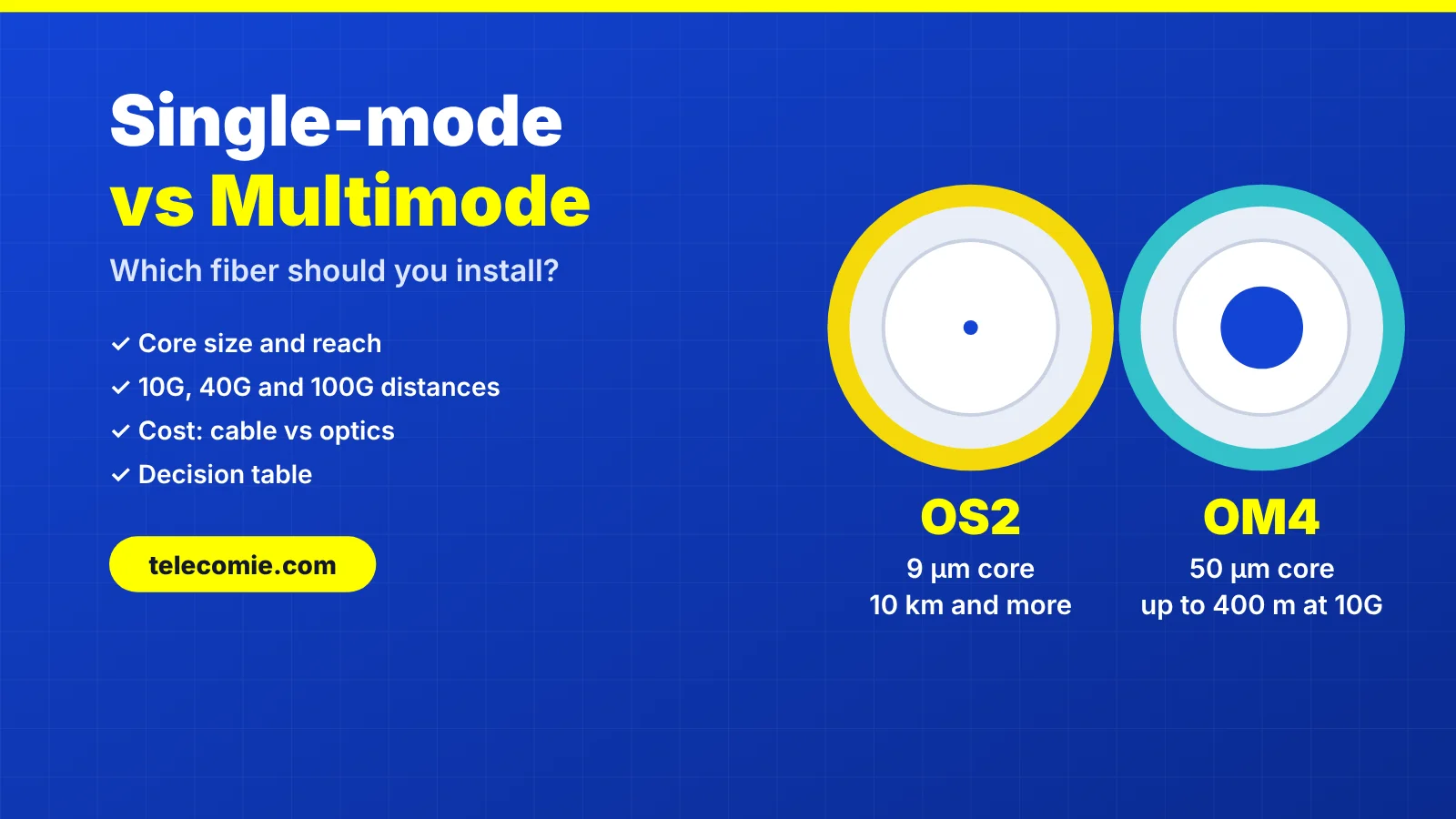
- Single-mode has a tiny 9 µm core and carries light over kilometers; multimode has a 50 µm core and is built for short runs.
- Multimode optics cost less, but the reach shrinks as speeds rise: 10G runs 400 m on OM4, 100G only about 100 m.
- Single-mode cable costs about the same as multimode; the price difference is in the transceivers.
- Never mix the two in one link. A single-mode patch cord on a multimode link (or the reverse) causes high loss or no link at all.
What is the difference between single-mode and multimode fiber?
Both types have the same 125 µm outer glass (the cladding). The difference is the size of the core, the part that carries the light.
Single-mode fiber has a core of about 9 µm. It is so narrow that light travels down it in essentially one path, or mode. With only one path, the pulses stay sharp over long distances, so single-mode links run for tens of kilometers.
Multimode fiber has a 50 µm core (the older OM1 type is 62.5 µm). Light enters at many angles and takes many paths. Those paths arrive at slightly different times, which smears the pulse. This effect, called modal dispersion, is what limits multimode to short distances at high speeds.
Side-by-side comparison
| Feature | Multimode (OM3 / OM4 / OM5) | Single-mode (OS2) |
|---|---|---|
| Core size | 50 µm | 9 µm |
| Typical light source | 850 nm VCSEL laser | 1310 / 1550 nm laser |
| 10 Gb/s reach | 300 m on OM3, 400 m on OM4 | 10 km (LR) to 40 km (ER) |
| 40 Gb/s reach (SR4) | 100 m on OM3, 150 m on OM4 | 10 km and more |
| 100 Gb/s reach (SR4) | 70 m on OM3, 100 m on OM4 | 500 m to 10 km and more |
| Typical jacket color | Aqua (OM3/OM4), lime green (OM5) | Yellow |
| Transceiver cost | Lower | Higher, but the gap keeps shrinking |
| Best use | Short links in buildings and data centers | Campus, backbone, outside plant, long links |
Reach figures are for standard IEEE Ethernet optics. Always check the datasheet of the exact transceiver you plan to use.
The multimode family: OM1 to OM5
Multimode fiber is graded by bandwidth, using the OM (“optical multimode”) classes.
- OM1 and OM2: legacy types. Fine for 1 Gb/s, but too limited for new installations.
- OM3: laser-optimized 50 µm fiber. Still common, and good for 10G up to 300 m.
- OM4: higher bandwidth than OM3. The usual choice for new multimode work today.
- OM5: wideband multimode, designed to carry several wavelengths at once (shortwave WDM). Useful mainly with optics built for it.
If you install multimode today, OM4 is the safe default. OM3 saves very little money and gives up reach at every speed.
Cost: where the money actually goes
People often assume single-mode is the expensive option. For the cable itself, it is not: OS2 cable usually costs about the same as OM4, and sometimes less.
The real difference is the optics. Multimode transceivers use low-cost VCSEL lasers, while single-mode transceivers need more precise lasers. On a project with hundreds of short links, such as a data center row, multimode optics can save a lot of money.
On a project with a few long backbone links, the optics are a small part of the total. There, single-mode is often cheaper over the life of the building, because it will not need replacing when speeds go up.
Which one should you install?
| Situation | Recommended fiber |
|---|---|
| Links within one data center hall, under 100 m | OM4 multimode |
| Building backbone between floors, under 300 m | OM4, or OS2 if you expect 100G+ later |
| Links between buildings (campus backbone) | OS2 single-mode |
| Any link over 400 m | OS2 single-mode |
| Outside plant, FTTH, service provider links | OS2 single-mode |
| Backbone you want to last 15+ years | OS2, or a hybrid cable with both types |
A common approach for building backbones is a hybrid cable: for example, 12 strands of OM4 for today’s equipment plus 12 strands of OS2 for future upgrades. It costs a little more, but the spare single-mode strands save pulling a new cable later.
Common mistakes to avoid
- Mixing fiber types. Patch cords, panels and transceivers must match the installed fiber. Jacket colors help, but check the print on the cable.
- Mixing 50 µm and 62.5 µm multimode. Joining OM1 to OM3/OM4 adds several dB of loss in one direction.
- Ignoring connector loss. At 100G, multimode links have very small loss budgets. Every extra patch panel eats into the margin.
- Forgetting the loss budget. Before you order optics, check that the link loss is within the transceiver’s limit.
Free tools for this topic
Check a link before you buy optics with our free Fiber Link Loss Budget sheet, then record your test results on the Fiber Cable Attenuation and Test Record. Planning the pathway too? Try the Conduit Fill Calculator.
Sources
Reach figures from IEEE 802.3 Ethernet physical layer specifications, as summarized by the Ethernet Alliance and the University of Wisconsin knowledge base. Fiber classes per ISO/IEC 11801 and ANSI/TIA-568.3-D. Written in our own words.